Whether you have the new Samsung T401G QWERTY phone or the sleek and elegant LG300G, you can Tweet!
Since a Tweet consists of a maximum of 140 characters, as long as your phone allows six-character short texts, you can Tweet. That makes your Net10 phone the perfect Tweeting phone.
All that's required is a little preparation. Twitter's website has
complete and easy-to-follow instructions, but here's how to get started.
First, sign into your Twitter account. From your home page, go to Settings, then Devices (below).

Or you can access this page from HELP, which is available on every Twitter page.

Just follow the instructions to add your phone (so Twitter recognizes it and doesn't post random Tweets to your account.)
You can either set it up directly from your phone...

... or from the Web.

There are also official Twitter text commands so you can do a variety of things -- all by sending short text messages from your Net10 phone.

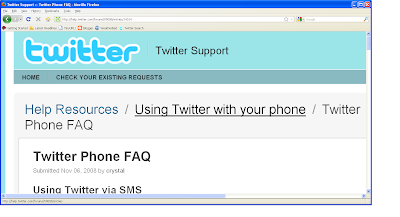
And if you get confused, just refer to the Twitter Phone FAQ.